Dark vs Light Wallpapers: A Practical Guide for Eye Health and Battery Life


The Invisible Impact of Your Screen Background
Ever notice how your eyes feel a strange sense of relief after switching your smartphone to dark mode, or how that bright, sunny landscape wallpaper seems to drain your battery during a long commute? We spend an average of six to eight hours staring at digital screens daily, yet we often treat our wallpapers as mere visual clutter rather than functional design elements. The choice between light and dark wallpapers is not just a matter of personal preference; it is a critical decision that influences your long-term eye comfort and the physical lifespan of your device's battery.
Understanding the interplay between light emission and pixel technology is the first step toward optimizing your digital environment. Whether you are working on a high-resolution desktop monitor or scrolling through a mobile device, the color palette of your wallpaper acts as a persistent filter for how much light your device projects toward your pupils. By intentionally selecting backgrounds that align with your environment and hardware, you can significantly reduce digital eye strain and squeeze extra power out of your mobile hardware.
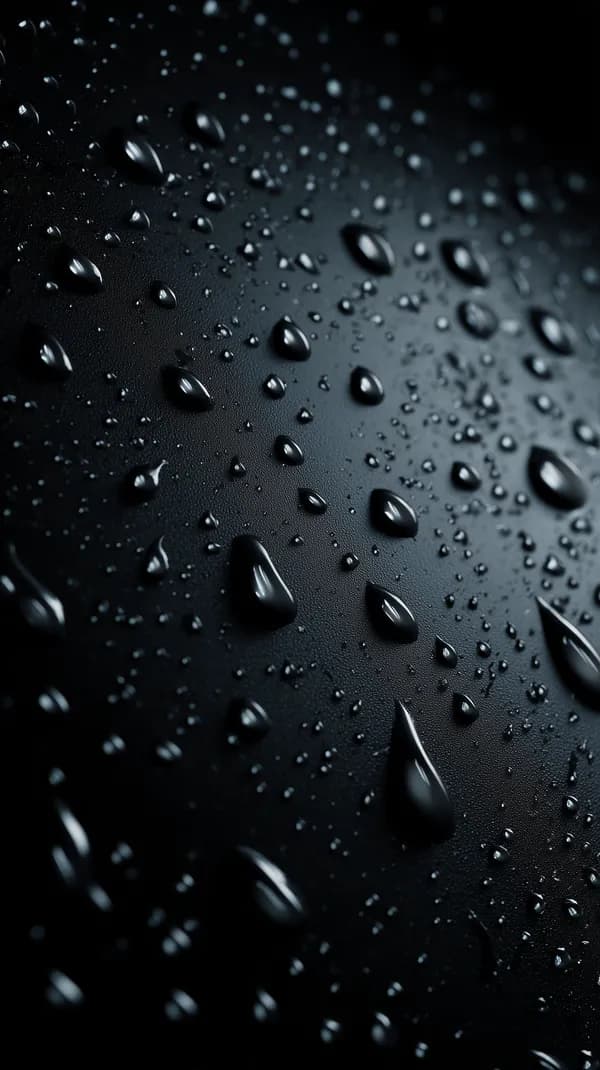
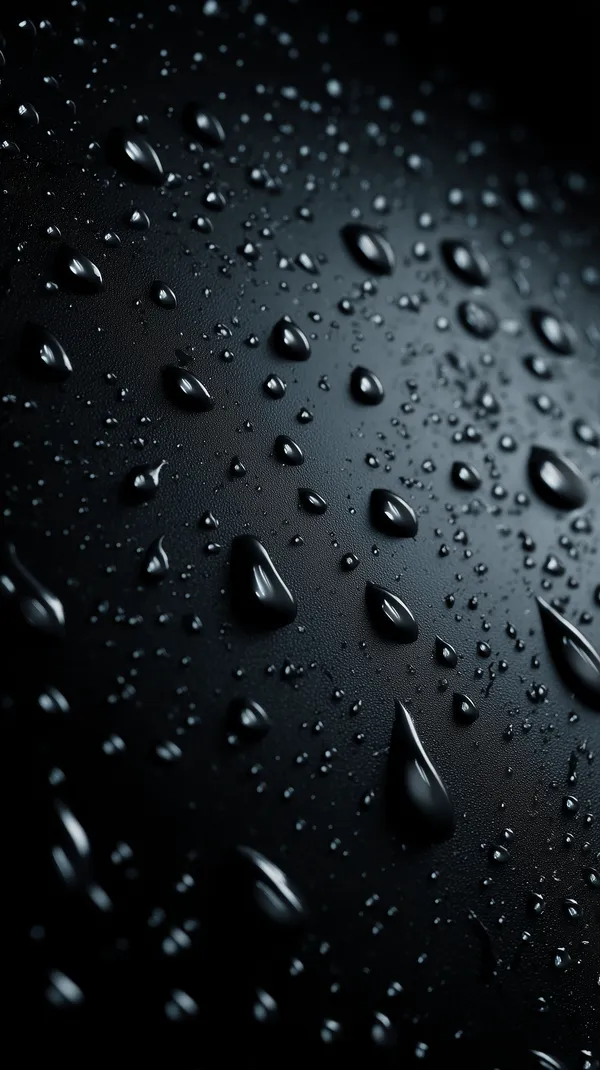
Moody Macro Water Droplets on Dark Textured Surface
This dark, high-contrast wallpaper is an excellent choice for OLED mobile screens, as it utilizes deep blacks to minimize power consumption while providing a sophisticated, tactile aesthetic.
Why Your Wallpaper Choice Matters More Than You Think
The primary reason to consider your wallpaper's brightness is the mechanics of modern screen technology, specifically OLED and AMOLED displays. Unlike traditional LCD screens, which use a constant backlight regardless of what is displayed, OLED screens illuminate each pixel individually. This means that a pure black pixel on your screen is effectively turned off, resulting in zero power consumption for that specific area. When you choose a dark-themed wallpaper, you are literally telling your phone to dim its energy consumption, which can lead to measurable improvements in battery longevity over the course of a day.
Beyond the battery, we must address the physiology of vision. Our eyes are naturally sensitive to high-intensity light sources, especially in dim environments. When you look at a bright, white-heavy wallpaper in a dimly lit room, your pupils must constantly adjust to the high contrast, which eventually triggers the symptoms of Digital Eye Strain—headaches, dryness, and blurred vision. Conversely, a dark, low-contrast wallpaper provides a more stable, soothing visual experience that allows the eyes to relax. This is why professional designers and developers often default to dark themes; it is simply more sustainable for the human visual system during prolonged work sessions.

Golden Arc Abstract Wallpaper with Dark Textured Circle
This minimalist landscape wallpaper works perfectly for desktop setups where you need high-contrast, dark-toned backgrounds to reduce glare in office environments.
Practical Guide: Selecting the Right Wallpaper for Your Needs
Choosing the right wallpaper is a process of balancing aesthetics with function. Follow these steps to ensure your choice serves your goals:
- Identify Your Display Type: If you use an OLED/AMOLED display, gravitate toward deep, dark, and monochromatic wallpapers to maximize power efficiency. If you use a standard LCD/IPS display, the color composition has a negligible effect on battery, so prioritize color balance based on your ambient lighting.
- Consider Ambient Lighting: Use light-themed, high-key wallpapers for outdoor environments or bright offices where glare is an issue. Use dark-themed, low-key wallpapers for home offices, bedrooms, or night-time usage to prevent pupil fatigue.
- Evaluate Contrast Levels: High-contrast wallpapers can be stimulating and great for productivity, but they can be visually taxing over time. Look for wallpapers with consistent, muted tonal ranges if you plan to keep the same background for months.
- Optimize for Resolution: Always ensure your wallpaper matches your device's native resolution. An upscaled image, even if beautiful, can create pixelation that adds visual noise, forcing your brain to work harder to interpret the image.
By curating your digital workspace with these factors in mind, you are not just decorating a screen; you are tuning your hardware for optimal performance and personal comfort.

Misty Forest Trail in Quiet Mountain Woods - Moody Natural Landscape
This landscape scene offers a balanced color palette that is easy on the eyes for extended desktop use, providing depth without overwhelming brightness.
Featured Picks: Curated Selections for Every Mood
Selecting the right image is about finding the perfect equilibrium between your work environment and your personal aesthetic. Here are a few recommendations from the Aiixy library:

Golden Nebula Abstract Wallpaper with Glowing Dust
This portrait-oriented abstract piece is perfect for mobile users who want a dark background that still provides vibrant, energetic visual highlights without draining their screen.

Neon Rain: Futuristic Yellow Sports Motorcycle in Cyberpunk City
For those who prefer a gritty, urban aesthetic, this wallpaper delivers high impact with its dark city base, keeping the visual stimulation contained within specific, glowing neon elements.

Serene Mountain Lake Landscape with Wildflowers and Clouds
When you need a bright, open space, this landscape wallpaper provides a sense of clarity and mental room, ideal for monitors in well-lit, creative studios.

Romantic Golden Heart Mandala with Roses wallpaper
This intricate, romantic design is best for mobile users looking for a soft, warm aesthetic that maintains a sophisticated color palette without excessive brightness.
FAQ
Does wallpaper color really change battery life?
Yes, but only on specific display technologies. If you own a smartphone with an OLED or AMOLED screen, black pixels are completely powered down, so dark wallpapers can offer a noticeable improvement in battery efficiency. If your device uses an older LCD screen, the backlight remains constant, so the wallpaper color has almost no impact on your battery.
How does light wallpaper affect sleep?
Exposure to bright light, especially blue-shifted light, at night suppresses melatonin production, which can disrupt your circadian rhythm. Using a bright, light-themed wallpaper late at night increases this exposure. We recommend switching to a darker, warmer-toned wallpaper as part of your evening wind-down routine.
Do dark wallpapers make text harder to read?
Not necessarily, provided the text color is adjusted appropriately. High-contrast white text on a dark background is often easier to read than dark text on a light background, as it reduces the total amount of light hitting the retina. However, if the wallpaper has too much detail, it can cause 'visual noise' that makes reading difficult.
What resolution is best for a 4K display?
For a 4K monitor, you should ideally use a wallpaper with at least a 3840 x 2160 resolution. Using anything lower will result in stretching or blurriness, which forces your eyes to adjust constantly, leading to faster onset of eye strain. At Aiixy, we provide high-resolution files to ensure sharp, crisp rendering on any size display.
Conclusion
The battle between dark and light wallpapers is one you can win by simply acknowledging your device's technical limitations and your own visual needs. Whether you choose the power-saving depths of a dark, moody landscape or the refreshing clarity of a light-filled horizon, ensure your choice supports your workflow rather than hindering it. Start curating your digital workspace for both form and function by browsing our full collection of high-resolution, professionally curated wallpapers to find your perfect match today.